
परिचय
The Konitee Smart Watch IDW13 is a versatile activity tracker designed for men and women, offering a comprehensive suite of features to enhance daily life and health monitoring. With its 1.8-inch touch screen, it provides clear visuals and intuitive navigation. Key functionalities include Bluetooth call capabilities, Alexa voice control, and extensive health tracking for heart rate, blood oxygen, and sleep. It also supports 100 sports modes and smart notifications, all within an IP68 waterproof design.
बक्समा के छ
- 1 × Smart Watch
- 1 × चार्जिङ केबल
- 1 × अंग्रेजी प्रयोगकर्ता पुस्तिका
सेटअप गाइड
To begin using your Konitee Smart Watch IDW13, follow these steps to connect it with your smartphone and enable its full range of features.
1. Initial Connection via Veryfit App
The primary connection for your smartwatch is established through the "Veryfit" application. This app is essential for data synchronization, feature activation, and personalized settings.
- ब्लुटुथ खोल्नुहोस्: तपाईंको स्मार्टफोनमा ब्लुटुथ सक्षम छ भनी सुनिश्चित गर्नुहोस्।
- Download Veryfit App: Open your phone's app store (Google Play for Android or App Store for iOS) and search for "Veryfit". Download and install the application.
- यन्त्र थप्नुहोस्: Open the Veryfit app, navigate to the device section, and select "Add Device". Choose "IDW13" from the list to bind your smartwatch.

Image: Step-by-step guide for connecting the smartwatch via the Veryfit app and enabling Bluetooth call functionality.
2. Enabling Bluetooth Call Function
After the initial app connection, you need to enable the Bluetooth call feature separately for making and receiving calls directly from your watch.
- Pair Bluetooth for Calls: On your phone's Bluetooth settings, find and connect to "IDW13" or "IDW13 BT". This creates a separate Bluetooth connection specifically for call audio.
- Activate Call Alert in App: Within the Veryfit app, go to the device settings interface. Locate and enable the "Call Alert" function.
- Access Dialer on Watch: On your smartwatch, navigate to its sub-menu, tap the call icon, and then select "Dialer".
Once these steps are completed, your smartwatch will be fully connected and ready to answer or make calls directly.
सञ्चालन निर्देशनहरू
The Konitee Smart Watch IDW13 offers a range of features accessible through its intuitive touch screen and side button. Below are instructions for common operations.
Bluetooth Call & Alexa Voice Control
Leverage the integrated Alexa voice assistant and Bluetooth calling for convenient communication and smart home control.
- कल गर्ने/उत्तर दिने: With Bluetooth call enabled, you can dial numbers or answer incoming calls directly from your watch. The watch can also record call history and contacts.
- एलेक्सा एकीकरण: Log in to Alexa within the Veryfit app. Once connected, you can use voice commands on your watch to check news, inquire about weather, set timers, and alarms.
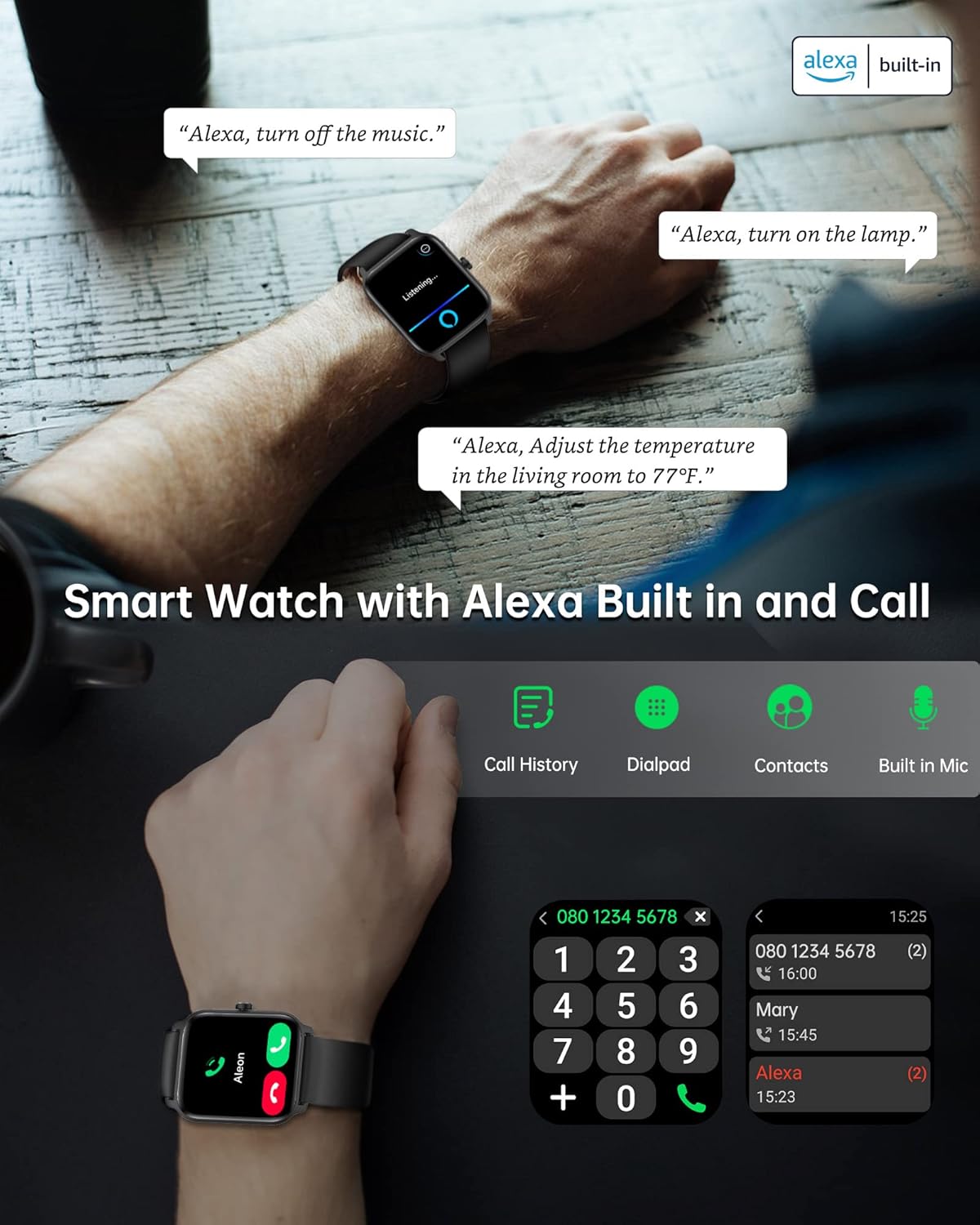
Image: Demonstrates the Alexa voice control and Bluetooth call features, showing the watch interface for dialing and receiving calls.
Health Tracking & Sports Modes
Monitor your health and fitness progress with the watch's comprehensive tracking capabilities and diverse sports modes.
- All-Weather Activity Tracking: The watch records daily steps, distance, and calories burned.
- स्वास्थ्य अनुगमन: Continuously monitors heart rate, blood oxygen (SpO2), and sleep patterns. All collected data can be synchronized to the Veryfit app for detailed analysis and insights into your health.
- २५ खेलकुद मोडहरू: Supports a wide range of activities including swimming, running, rock climbing, yoga, and more. This helps in tracking specific workout metrics and adjusting your exercise plan.
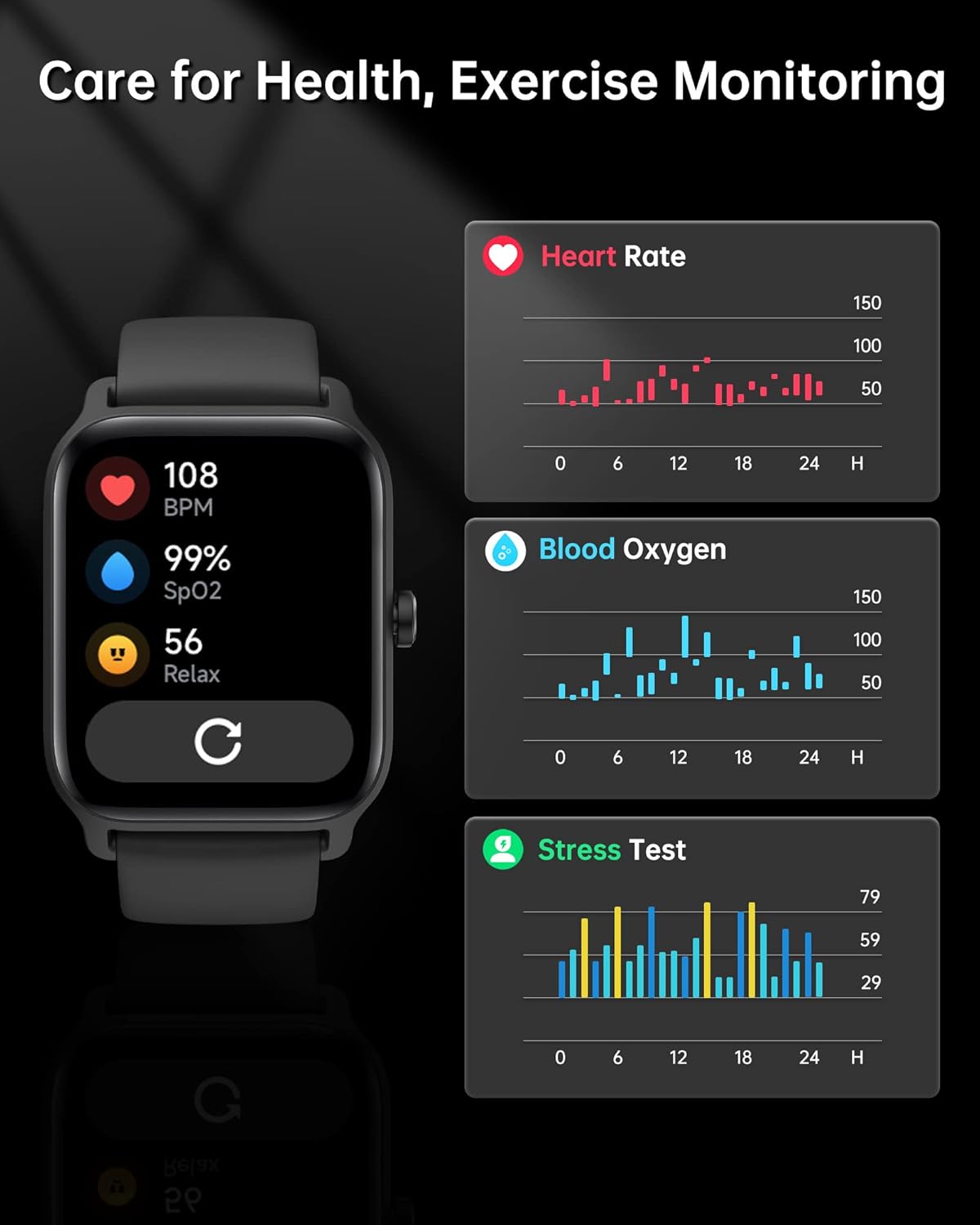
Image: Visual representation of the watch's health monitoring features, including heart rate, blood oxygen, and stress levels.
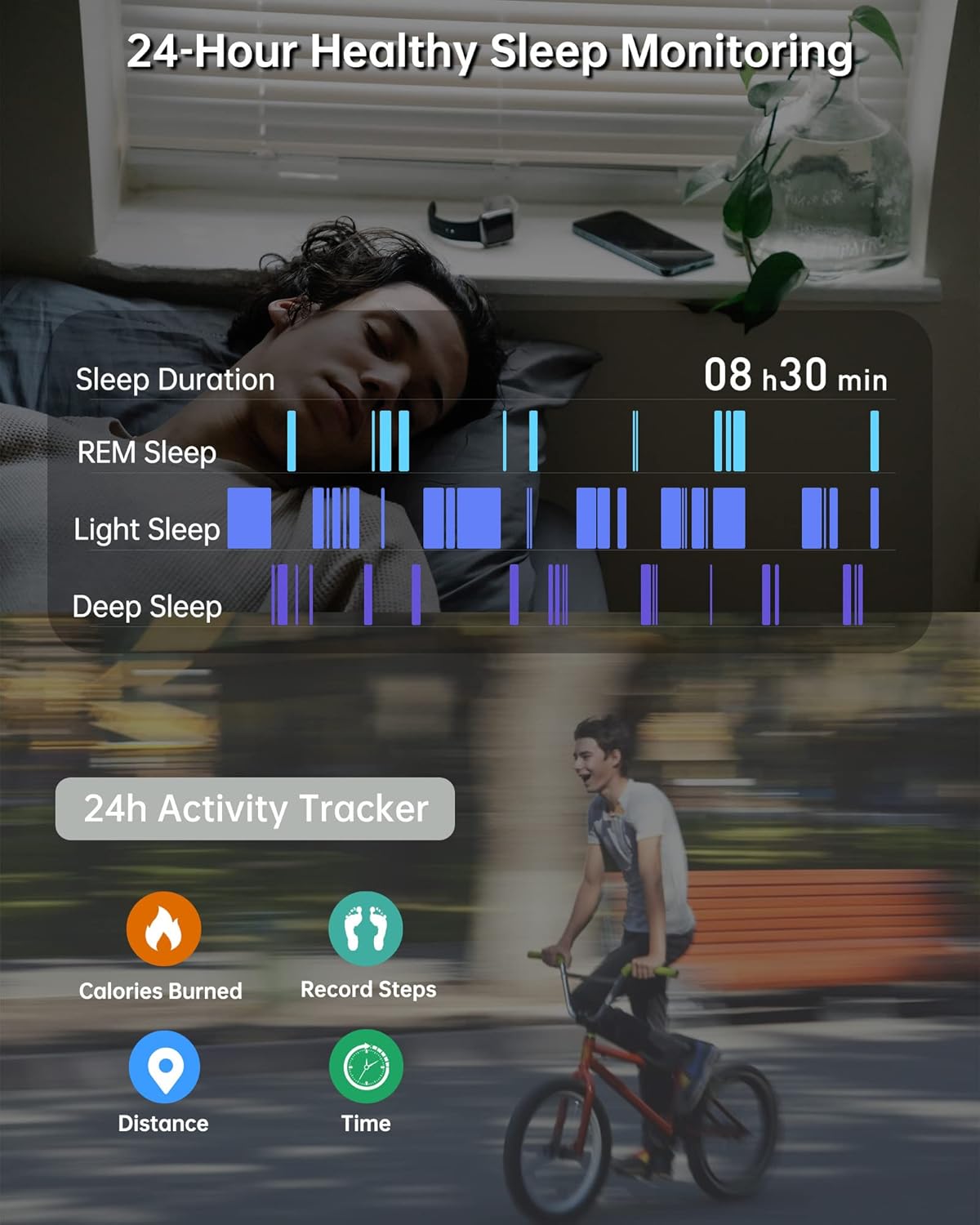
Image: Illustrates the 24-hour healthy sleep monitoring and daily activity tracking features, showing sleep stages and activity metrics like calories burned, steps, distance, and time.

Image: Showcases the 100 supported sports modes, such as outdoor run, indoor run, hiking, yoga, and swimming, highlighting the IP68 waterproof rating.
Smart Notifications & Customization
Stay connected and personalize your watch experience with smart notifications and customizable watch faces.
- तत्काल अलर्ट: The smartwatch will ring and vibrate to notify you of incoming calls and message notifications from various social media platforms (Facebook, Instagram, Twitter, WhatsApp, etc.), ensuring you never miss important communications.
- अनुकूलन घडी अनुहारहरू: The 1.8-inch HD-LCD full touch screen with Panda glass offers excellent picture quality and high sensitivity. You can personalize your watch face by choosing from existing designs or uploading your own images.
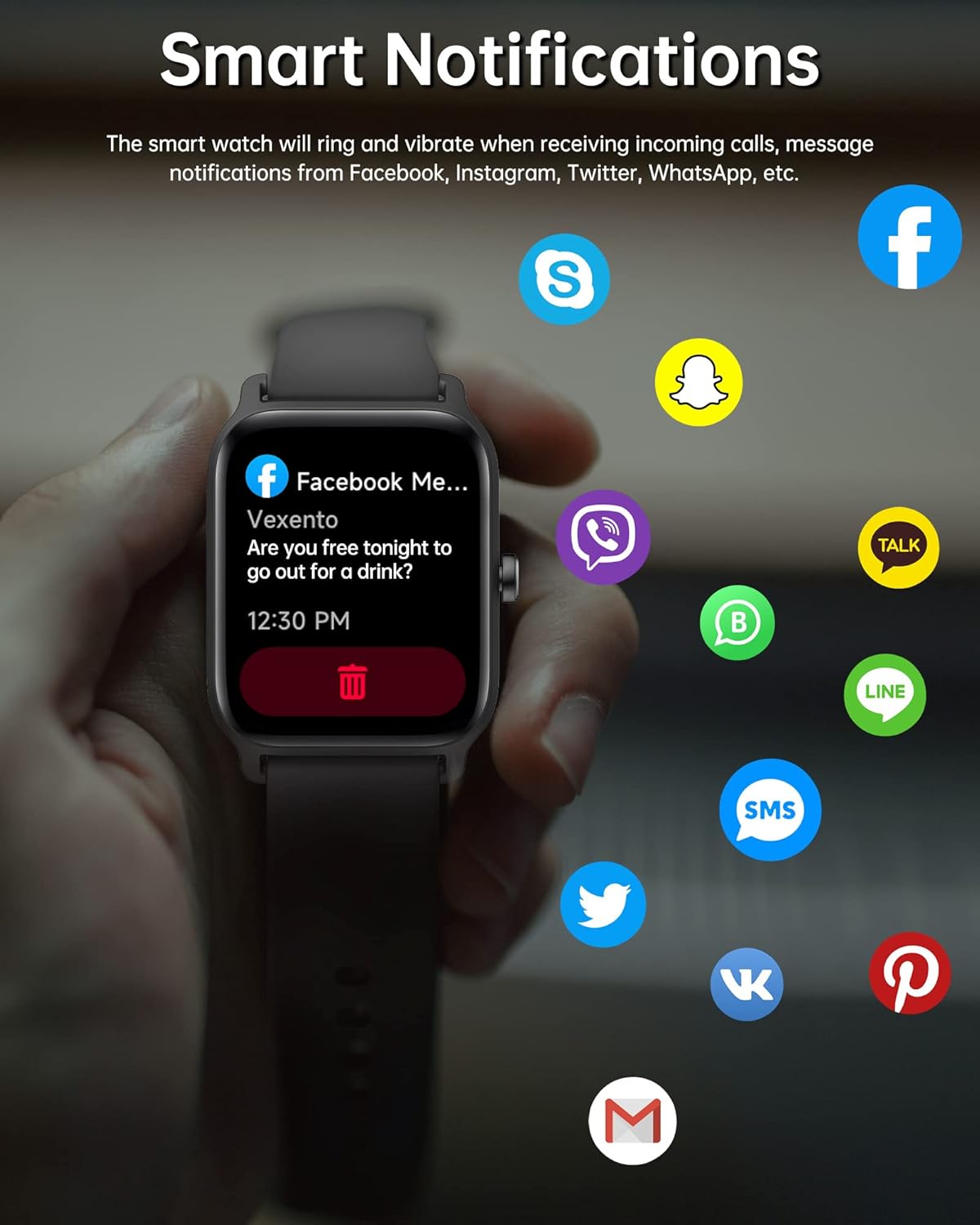
Image: Depicts the smart notification feature, showing how the watch displays alerts from popular messaging and social media applications.

Image: Showcases the 1.8-inch HD color touch screen with multiple customizable watch faces, emphasizing excellent picture quality and touch sensitivity.
उत्पादन समाप्त भयोview भिडियो
दृश्यावलोकनको लागि यो आधिकारिक उत्पादन भिडियो हेर्नुहोस्view of the Konitee Smart Watch IDW13's features and design.
Video: Official product demonstration of the Konitee Smart Watch IDW13, highlighting its key functionalities and sleek design.
मर्मतसम्भार
Proper care and maintenance will ensure the longevity and optimal performance of your smartwatch.
- चार्ज गर्दै: The watch features a 300mAh battery. A full charge takes approximately 2.5 hours and provides 3-7 days of usage, with up to 30 days of standby time. Use the provided magnetic charging cable.

Image: Illustrates the magnetic charging method and provides details on battery capacity, standby time, battery life, and charging time.
- वाटरप्रूफ रेटिंग: The watch has an IP68 waterproof standard, making it suitable for hand washing, face washing, and sweating. महत्त्वपूर्ण: Do not use the watch for baths, saunas, or hot springs, as extreme temperatures or prolonged submersion can damage the device.
- सरसफाई: Regularly wipe the watch screen and band with a soft, dry cloth to remove dust and smudges. For deeper cleaning, a slightly damp cloth can be used, ensuring the watch is completely dry afterward.
- ब्यान्ड प्रतिस्थापन: The smartwatch is compatible with other bands, allowing you to easily change them to suit your style or preference.
समस्या निवारण
If you encounter issues with your Konitee Smart Watch IDW13, refer to the following common solutions.
Call Audio Issues (Speaking/Hearing) After Phone Updates
Sometimes, after a phone system update, the call audio functionality on your watch may be affected. Follow these steps to resolve the issue:
- Open Veryfit App: Launch the Veryfit application on your smartphone.
- Navigate to Device Section: Tap on the "DEVICE" section located in the bottom menu.
- आफ्नो घडी छान्नुहोस्: Tap the arrow next to "IDW13" at the top of the screen.
- Check for App Upgrade: On the "DEVICE MANAGEMENT" page, tap "DEVICE UPGRADE" to ensure the app itself does not require an upgrade.
- यन्त्र पुन: सुरु गर्नुहोस्: If no app upgrade is needed, tap on the "RESTART DEVICE" section. Your watch screen will go blank and restart. Note that only the watch will restart, not your phone.
After restarting, your watch should properly function for speaking and hearing directly from the watch during calls.
Water Draining Feature
After exposure to water, the watch has a feature to help drain any residual water. It will vibrate to assist in expelling water from the speaker and microphone areas.
निर्दिष्टीकरणहरू
| सुविधा | विवरण |
|---|---|
| उत्पादन आयामहरू | १० x ३ x ३ इन्च |
| वस्तुको वजन | ०.९८६ औंस (२७.९४ ग्राम) |
| मोडेल नम्बर | IDW13 |
| ब्याट्रीहरू | 1 लिथियम आयन ब्याट्री (समावेश) |
| स्थायी स्क्रिन प्रदर्शन आकार | १५.६ इन्च |
| अपरेटिङ सिस्टम अनुकूलता | iOS 9.0 & Android 6.0 and above devices |
| ब्याट्री क्षमता | 300 मिलिamp घण्टा |
| जडान प्रविधि | ब्लुटुथ |
| वायरलेस संचार मानक | ब्लुटुथ |
| GPS | स्मार्टफोन मार्फत जीपीएस |
| आकार | वर्ग |
| वाटरप्रूफ रेटिंग | IP68 |

Image: Detailed product size and compatibility information for the Konitee Smart Watch IDW13, including dimensions and supported operating systems.
वारेन्टी र समर्थन
All Konitee products, including the Smart Watch IDW13, come with a one-year warranty policy from the date of purchase.
If you have any questions, require technical assistance, or need to claim warranty service, please do not hesitate to contact our online customer service. Our support team is available to assist you with any inquiries regarding your product.
For further assistance, please visit the official Konitee Store or contact customer support through your purchase platform.