
1. परिचय
Thank you for choosing the Intelbras PFL7560 Full HD Wi-Fi Projector. This projector is designed to deliver a high-quality visual and audio experience for various applications, from home cinema to business presentations. It features Full HD resolution, 8000 lumens brightness, and integrated 12W stereo speakers. This manual provides essential information for safe and efficient operation of your projector.
2. सुरक्षा जानकारी
प्रोजेक्टर प्रयोग गर्नु अघि कृपया सबै सुरक्षा निर्देशनहरू ध्यानपूर्वक पढ्नुहोस्। भविष्यमा सन्दर्भको लागि यो पुस्तिका राख्नुहोस्।
- विद्युत आपूर्ति: Use only the power adapter provided with the projector. Ensure the voltage तपाईको स्थानीय बिजुली आपूर्तिसँग मेल खान्छ।
- भेन्टिलेसन: भेन्टिलेसन खोल्ने ठाउँहरू नरोक्नुहोस्। अत्यधिक तातो हुनबाट रोक्नको लागि उचित हावा प्रवाहको लागि प्रोजेक्टर वरिपरि पर्याप्त ठाउँ सुनिश्चित गर्नुहोस्।
- नियुक्ति: प्रोजेक्टरलाई स्थिर, समतल सतहमा राख्नुहोस्। यसलाई प्रत्यक्ष सूर्यको प्रकाशमा, ताप स्रोतहरू नजिक, वा उच्च आर्द्रता वा धुलो भएको वातावरणमा नराख्नुहोस्।
- आँखा सुरक्षा: l हुँदा प्रोजेक्टरको लेन्समा सिधै नहेर्नुहोस्amp चम्किलो प्रकाशले आँखालाई क्षति पुर्याउन सक्ने भएकोले, सक्रिय छ।
- सरसफाई: सफा गर्नुअघि प्रोजेक्टरको प्लग अनप्लग गर्नुहोस्। नरम, सुख्खा कपडा प्रयोग गर्नुहोस्। तरल पदार्थ वा एरोसोल क्लीनर प्रयोग नगर्नुहोस्।
- सर्भिसिङ: प्रोजेक्टर आफैं मर्मत गर्ने प्रयास नगर्नुहोस्। सबै सेवाहरू योग्य सेवा कर्मचारीहरूलाई पठाउनुहोस्।
3. प्याकेज सामग्री
प्याकेजमा सबै वस्तुहरू छन् भनी प्रमाणित गर्नुहोस्:
- Intelbras PFL7560 Projector Unit
- रिमोट कन्ट्रोल
- पावर केबल
- प्रयोगकर्ता पुस्तिका
4. उत्पादन समाप्तview
Familiarize yourself with the main components and ports of your Intelbras PFL7560 projector.
४.१. प्रोजेक्टरका कम्पोनेन्टहरू

Image: Intelbras PFL7560 Projector with included remote control.
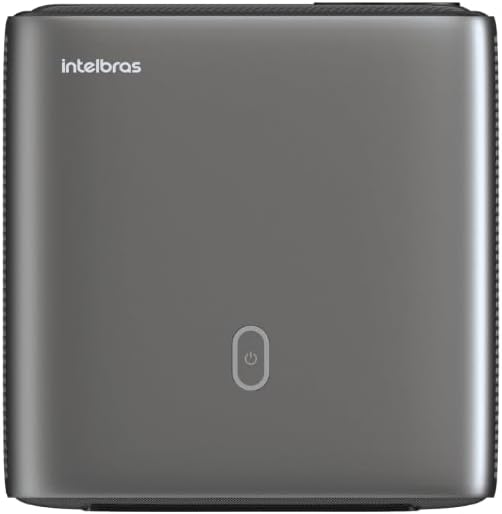
छवि: माथि view of the projector, highlighting the power button and sleek design.
4.2. पोर्ट र कनेक्टिविटी
प्रोजेक्टरले धेरै कनेक्टिभिटी विकल्पहरू प्रदान गर्दछ:
- HDMI: For connecting high-definition devices such as laptops, gaming consoles, or Blu-ray players.
- USB: मिडिया प्ले गर्न USB भण्डारण उपकरणहरू जडान गर्नको लागि fileप्रत्यक्ष रूपमा।
- Wi-Fi (802.11 ac/b/g/n): For wireless connectivity and screen mirroring from compatible Android devices.
- अडियो बाहिर: बाह्य अडियो प्रणाली वा हेडफोन जडान गर्नको लागि।
5. सेटअप
१. प्लेसमेन्ट
Choose a suitable location for your projector. The PFL7560 can project images from 60 to 150 inches, making it versatile for various room sizes. Ensure the projector is placed on a stable surface and is not obstructed.
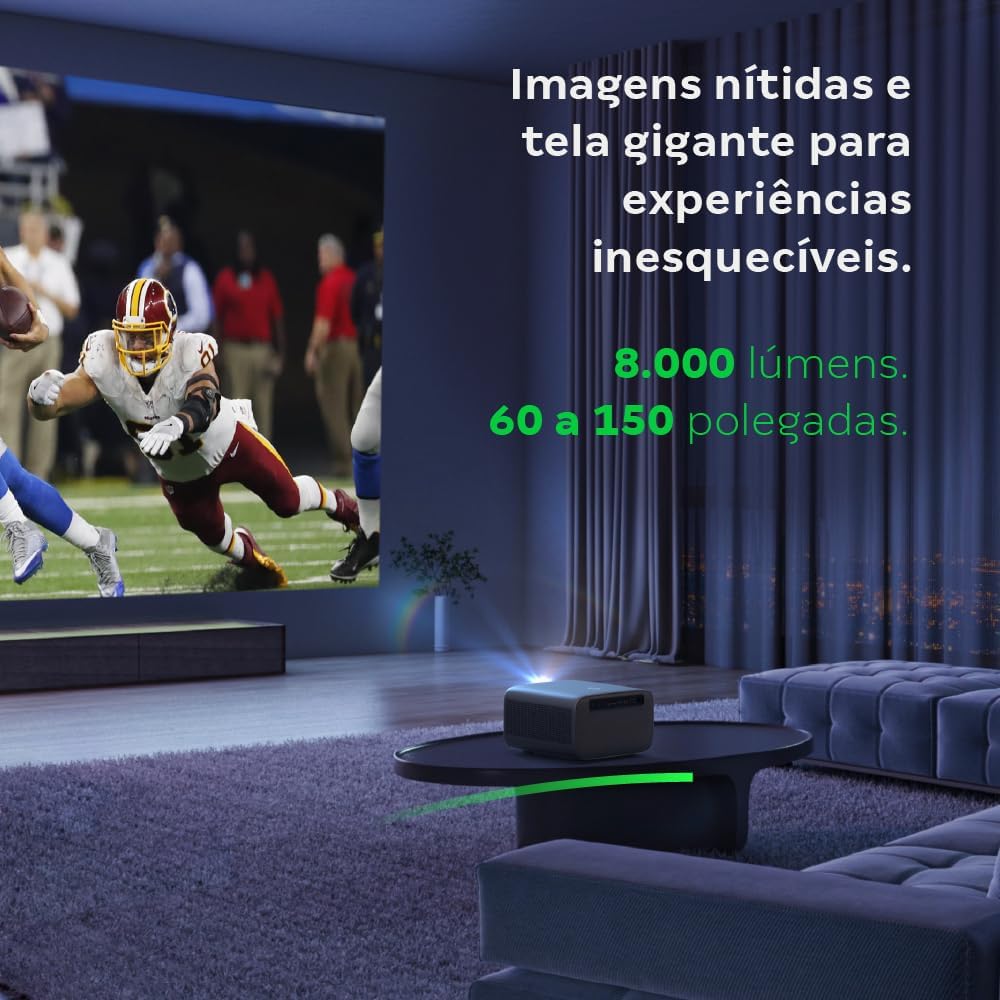
Image: The projector creating a large, clear image in a home environment, demonstrating its capability for immersive viewing।
5.2. पावर जडान
Connect the power cable to the projector's power input and then to a power outlet.
४.३। प्रारम्भिक पावर अन
उपकरण खोल्न प्रोजेक्टरको पावर बटन वा रिमोट कन्ट्रोल थिच्नुहोस्। प्रोजेक्टरले यसको स्टार्टअप अनुक्रम सुरु गर्नेछ।
३. फोकस र किस्टोन सुधार
The PFL7560 features automatic focus and keystone correction for a perfectly aligned and sharp image without manual effort. If manual adjustment is needed, refer to the on-screen display (OSD) menu.
6. सञ्चालन निर्देशनहरू
Connect. जडान उपकरणहरू
- HDMI: Connect your device using an HDMI cable to the HDMI port on the projector. Select the corresponding HDMI input from the projector's source menu.
- USB: Insert a USB drive into the USB port. The projector's media player will typically detect the drive automatically, allowing you to browse and play files.
- Wi-Fi / Screen Mirroring: For compatible Android devices, enable screen mirroring on your device and select the projector from the available devices. Ensure both devices are connected to the same Wi-Fi network.
6.2. अडियो आउटपुट
The projector is equipped with two integrated 12W speakers, providing clear and immersive audio. For external audio, connect speakers or headphones to the audio output port.

Image: Detail of the projector's integrated 12W speakers, designed for powerful and clear sound.
7. मर्मतसम्भार
१. लेन्स सफा गर्ने
प्रोजेक्टर लेन्सलाई बिस्तारै पुछ्नको लागि विशेष गरी अप्टिकल लेन्सहरूको लागि डिजाइन गरिएको नरम, लिन्ट-रहित कपडा प्रयोग गर्नुहोस्। घर्षण सामग्री वा कठोर रसायनहरू प्रयोग नगर्नुहोस्।
७.२. प्रोजेक्टर बडी सफा गर्ने
Wipe the exterior of the projector with a soft, dry cloth. Do not use liquid or spray cleaners directly on the unit.
7.3. LED Light Source Longevity
The Intelbras PFL7560 uses an LED light source with a lifespan of up to 30,000 hours, ensuring long-term use and consistent performance without significant brightness degradation.
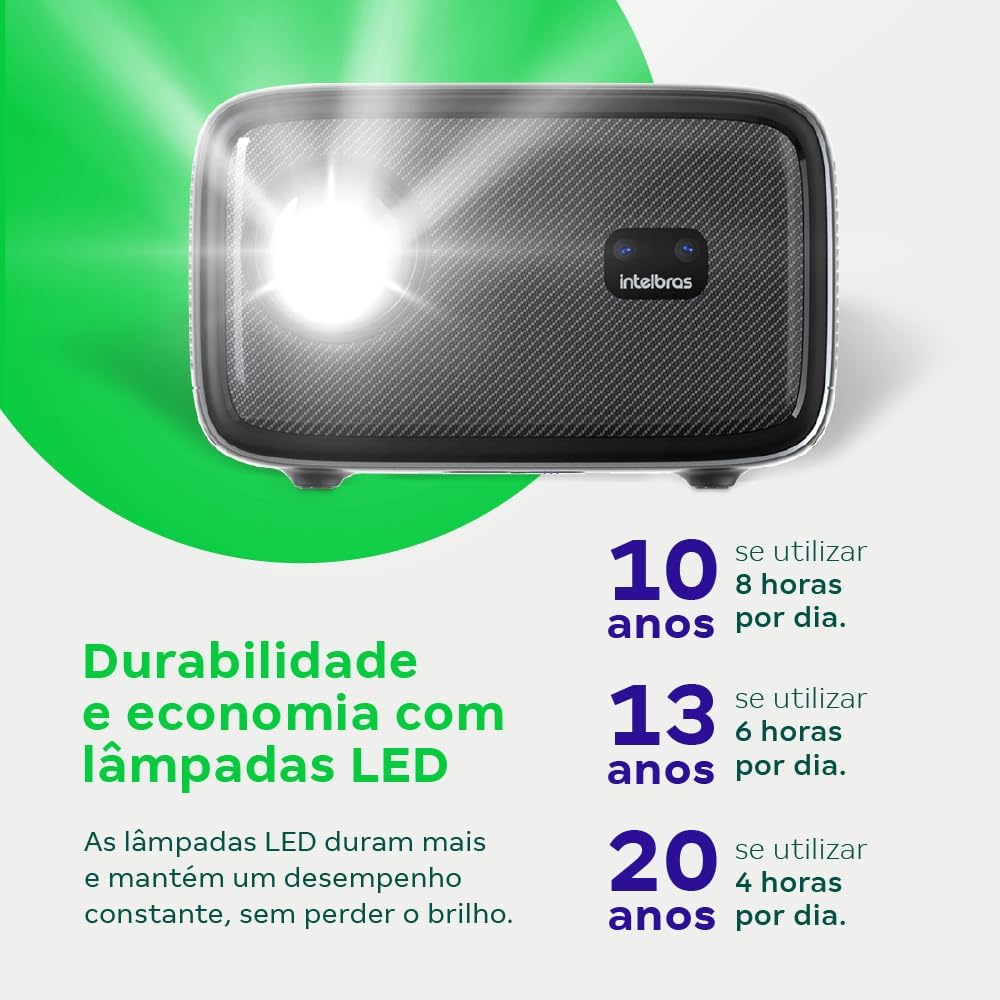
Image: An infographic illustrating the extended durability and economic benefits of the LED lamp, lasting up to 30,000 hours.
T. समस्या निवारण
यदि तपाईंले आफ्नो प्रोजेक्टरमा समस्याहरू सामना गर्नुभयो भने, निम्न सामान्य समस्याहरू र समाधानहरू हेर्नुहोस्:
- कुनै छवि छैन: Ensure the power cable is securely connected and the projector is turned on. Check the input source selection to match your connected device.
- धमिलो छवि: Adjust the focus. If the image is distorted, check for automatic keystone correction or adjust it manually via the settings menu.
- कुनै आवाज छैन: Verify the volume level on both the projector and the connected device. Ensure external speakers are properly connected if used, or that the internal speakers are enabled.
- जडान समस्याहरू: For Wi-Fi or screen mirroring, ensure both the projector and your device are on the same network. Restart both devices if necessary.
- अत्यधिक तातो हुनु: Ensure the projector's ventilation openings are not blocked. Turn off the projector and allow it to cool down if it feels excessively hot.
9. निर्दिष्टीकरणहरू
| सुविधा | निर्दिष्टीकरण |
|---|---|
| ब्रान्ड | Intelbras |
| मोडेल नाम | PFL 7560 |
| जडान प्रविधि | Wi-Fi |
| विशेष सुविधाहरू | Wi-Fi तयार छ |
| प्रदर्शन संकल्प | 1920 x 1080 (पूर्ण HD) |
| मूल संकल्प | ६६ x ३७ |
| अधिकतम प्रदर्शन संकल्प | ६६ x ३७ |
| प्रदर्शन प्रकार | LCD |
| चमक | 8000 लुमेन |
| मिल्दो यन्त्रहरू | ल्यापटप, स्मार्टफोन, ट्याब्लेट |
| प्रकाश स्रोत परिचालन जीवन | ४ घण्टा |
| हार्डवेयर इन्टरफेस | 802.11 ac/b/g/n |
| भिडियो एन्कोडिङ | H.264, H.265 |
| सिफारिस गरिएका प्रयोगहरू | गृह सिनेमा |
| अडियो | २ x १० वाट एकीकृत स्पिकरहरू |
10. वारेन्टी र समर्थन
For warranty information, technical support, or service requests, please refer to the official Intelbras webसाइटमा जानुहोस् वा सिधै उनीहरूको ग्राहक सेवामा सम्पर्क गर्नुहोस्। वारेन्टी दावीहरूको लागि खरिदको प्रमाणको रूपमा आफ्नो खरिद रसिद राख्नुहोस्।